
Dispatch
Native iOS email, developed from Windows.
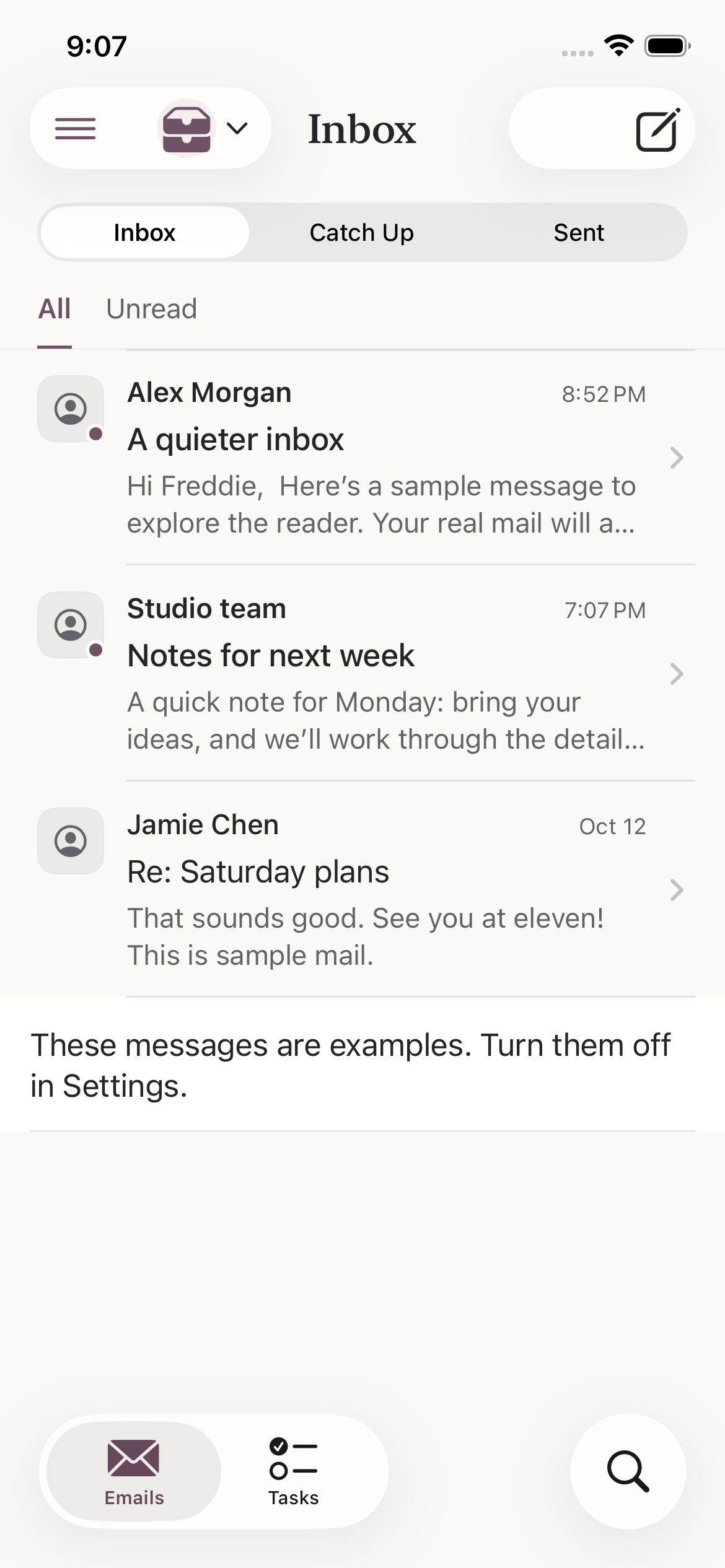
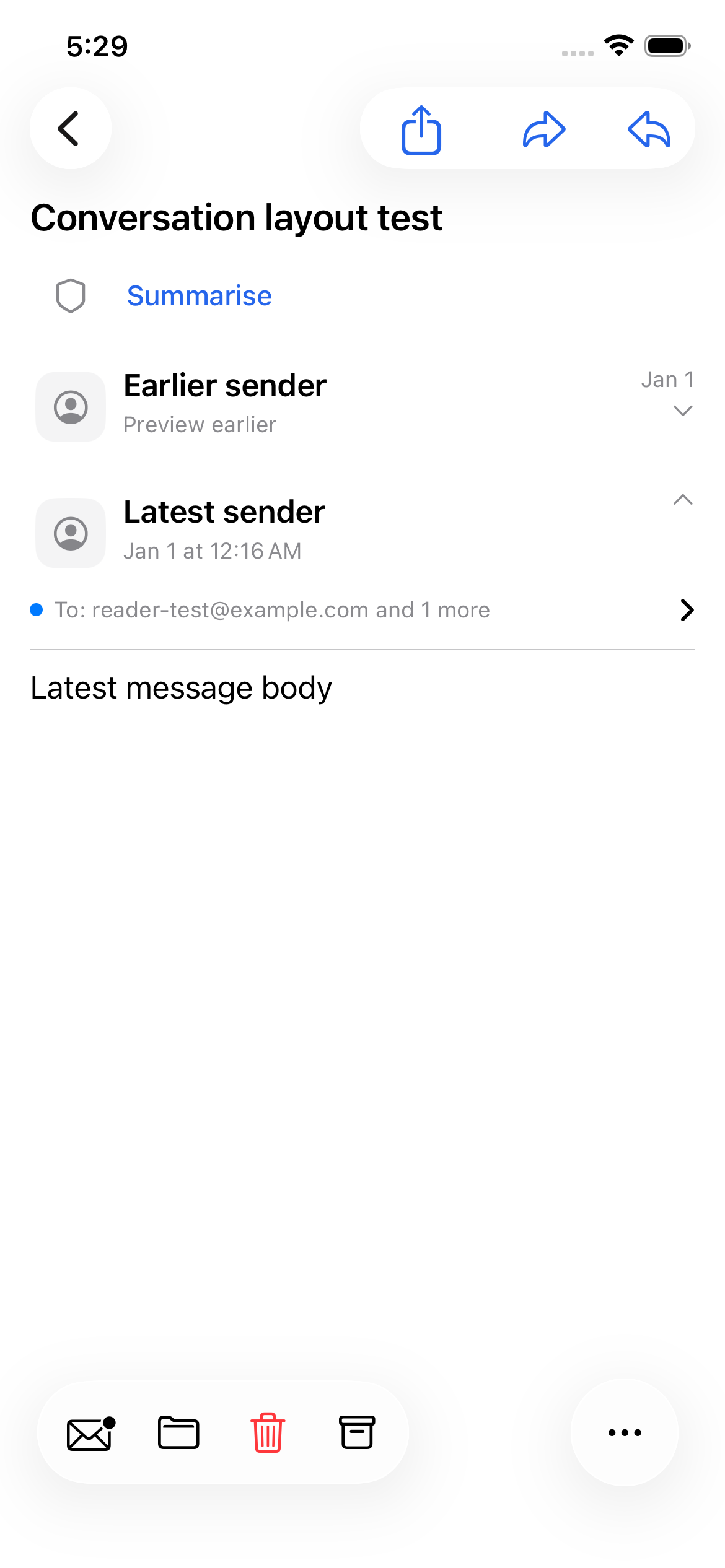
A native mail app
I wanted to explore a native email app with familiar iOS controls and more ways to organise mail. My development computer runs Windows, so the project also became an exercise in making an Apple application maintainable without local Xcode.
Dispatch uses SwiftUI for the interface and Gmail for connected accounts. My work includes planning the behaviour, configuring builds, reviewing test results and improving the app through testing, alongside implementation.
From Windows to iOS
I work with Swift source files and an XcodeGen specification in project.yml. GitHub Actions runs on macOS, generates the
Xcode project, compiles the app and runs unit and UI tests in an
iPhone simulator. Build logs and test result bundles make failures
inspectable from Windows.
The release workflow runs full simulator validation alongside the device build. Publication waits for both jobs, then attaches an IPA and checksum to a GitHub release. The IPA is unsigned and needs re-signing with a compatible sideloading tool before installation.
Keeping the project definition in text avoids maintaining a generated Xcode project by hand. It also makes configuration changes reviewable alongside the Swift changes they support.
Release workflow ↗Mail & local storage
Implemented
Gmail OAuth, cached conversations, incremental synchronisation, search, read/star/archive/trash actions, local drafts, sending, replies and attachments are implemented. The interface reads cached mail first, so displaying an existing message does not depend on waiting for a fresh network response.
Credentials and persistence
OAuth uses a native authentication session with PKCE. Access and refresh tokens belong in device-local Keychain storage. SwiftData holds accounts, cached messages, drafts and pending operations; Gmail credentials do not enter that database.
The storage code preserves the original data if importing older drafts fails. An unavailable database produces a recovery state instead of silently opening an empty replacement.
When syncing went wrong
Loading older mail exposed Gmail throttling and a sync control that stayed busy through retries. The investigation separated request scheduling from the visible loading state, rather than treating every failure as a permissions problem.
The provider now shares request pacing and server cooldowns across
each account, honours Retry-After and reuses cached
message bodies on retries. Regression tests cover partial-page
downloads and releasing the busy state after failures.
Sending has a different risk: a lost response does not prove an email was not sent. Uncertain sends are kept for review and checked against Sent, rather than automatically sent again.
Read the sync investigation ↗Validation & next steps
Simulator fixtures exercise app behaviour without sending personal email. They do not establish that live Google login, delivery or installation works on a particular signed device. The latest UI and writing-assistance work also has further device checks documented in the repository.
Zoho support and APNs push delivery remain planned. Background refresh code exists in newer work, but its provisioning and device behaviour still need validation; I do not treat it as guaranteed background delivery.
This project has helped me understand the difference between compiling an app, testing its behaviour and validating it on a device. It has also made persistence, retry handling and clear failure states feel much more concrete.