
 Markup
Markdown notes, diagrams and local files.
Notes & preview · 1 of 5
Why a workspace
I wanted somewhere to keep written notes, diagrams and document organisation together. Markdown is useful for the text, but a folder of files alone does not give me the same freedom to move between an explanation, a mind map and a whiteboard.
Markup is my exploration of that flexible workspace across the web and desktop. My involvement includes shaping the workflow, configuring storage and authentication, testing behaviour and improving the application alongside implementation.
Features
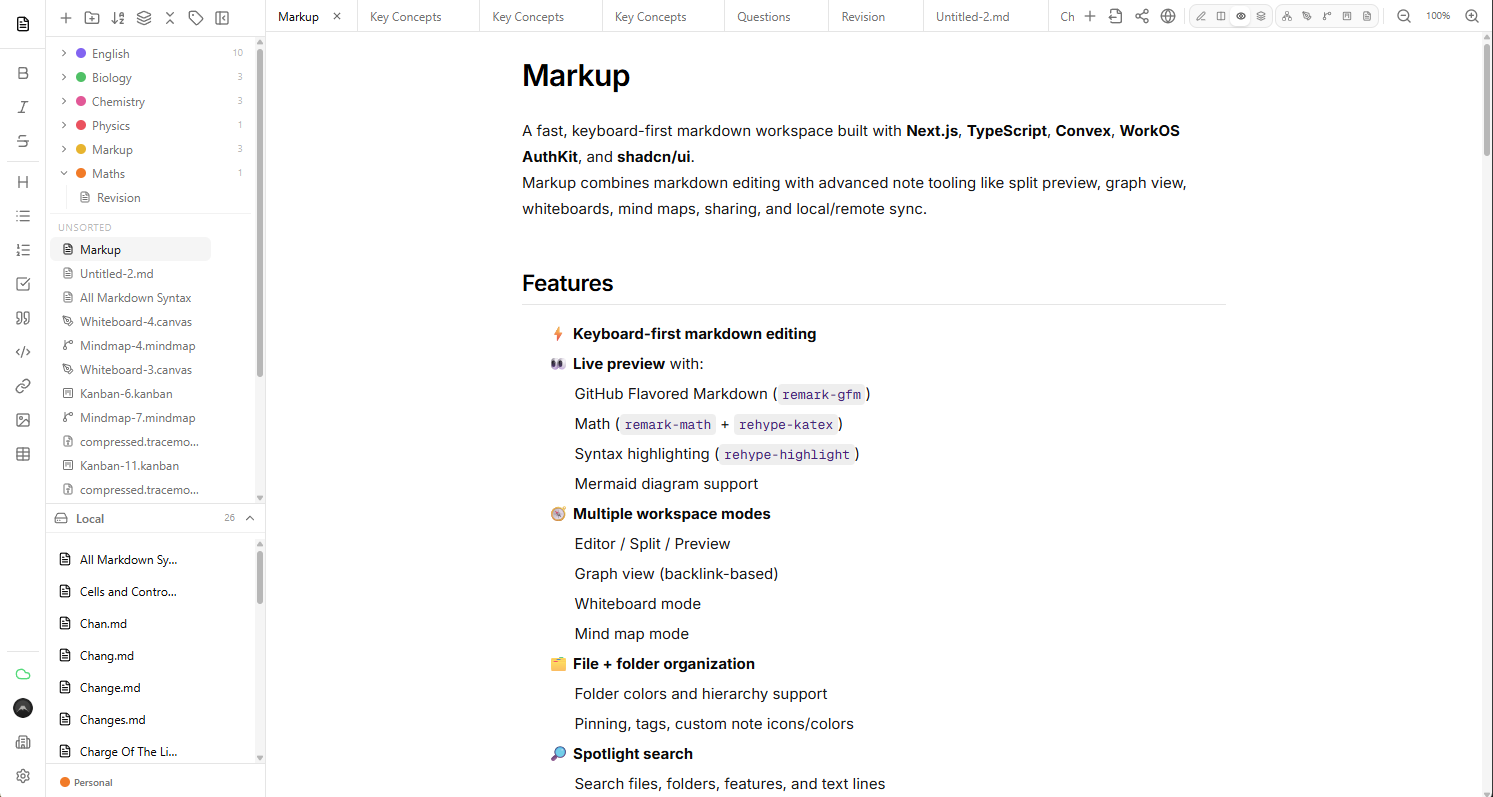
Markup combines linked notes, maths and diagrams in a Markdown workspace. It supports cloud synchronisation, with local files available through the Tauri desktop app.
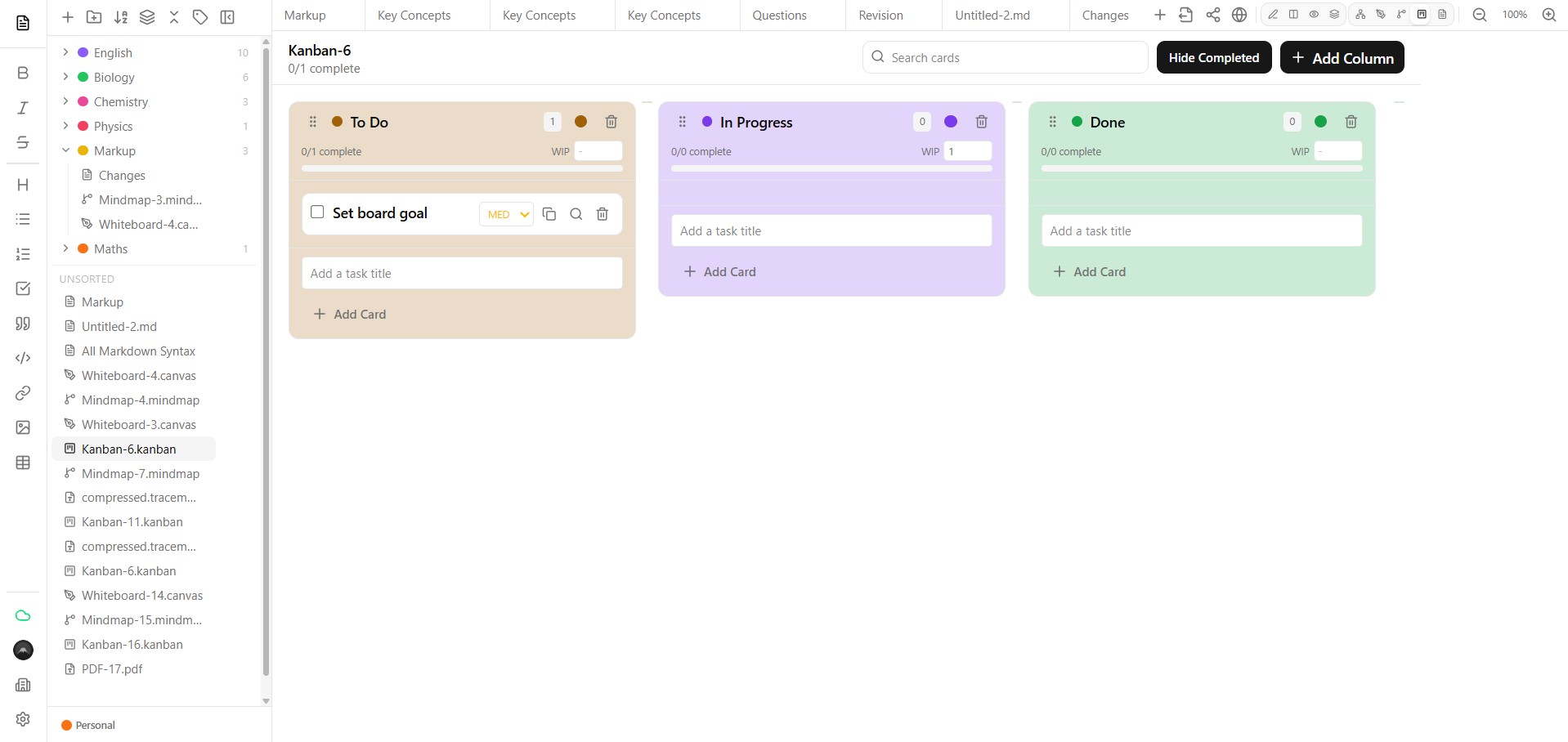
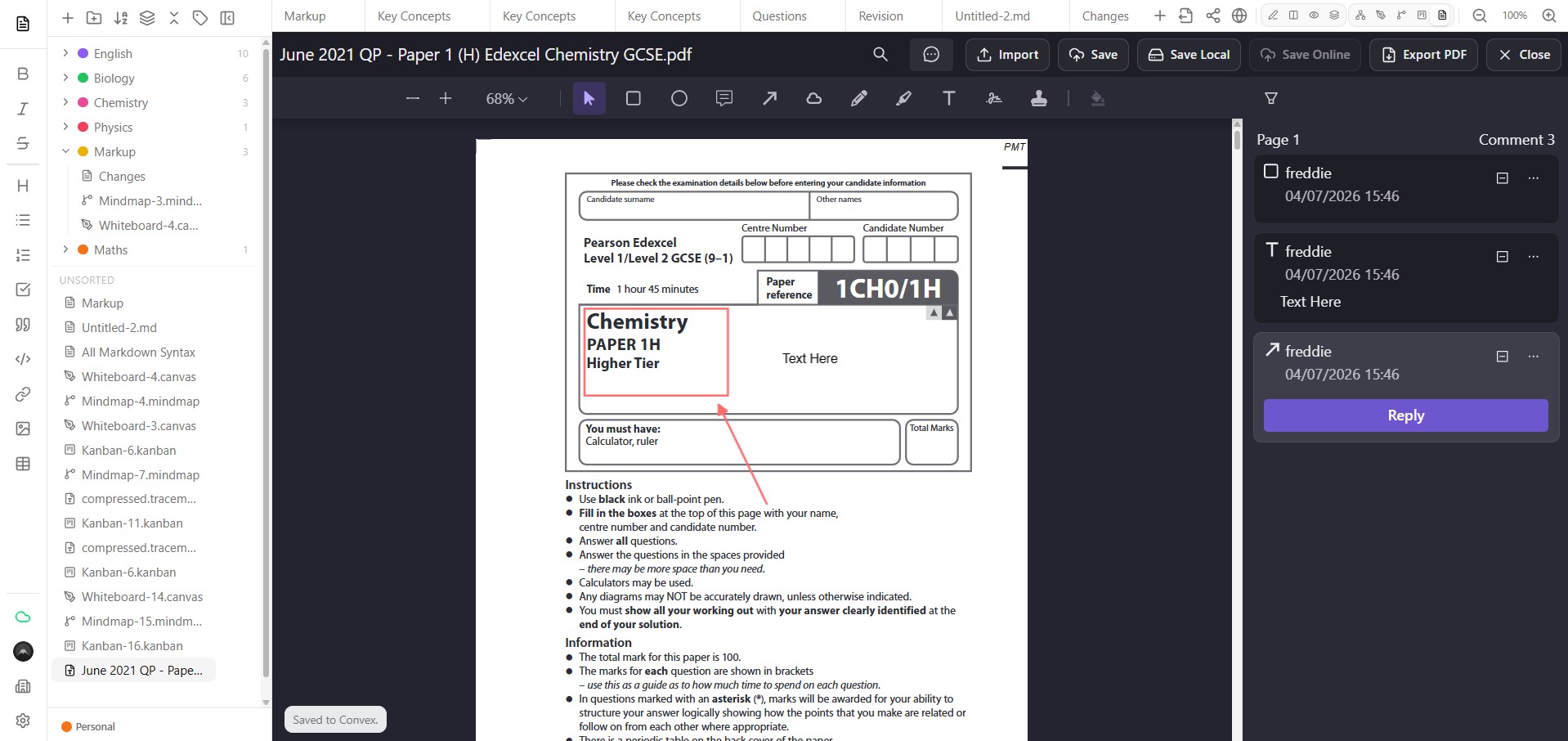
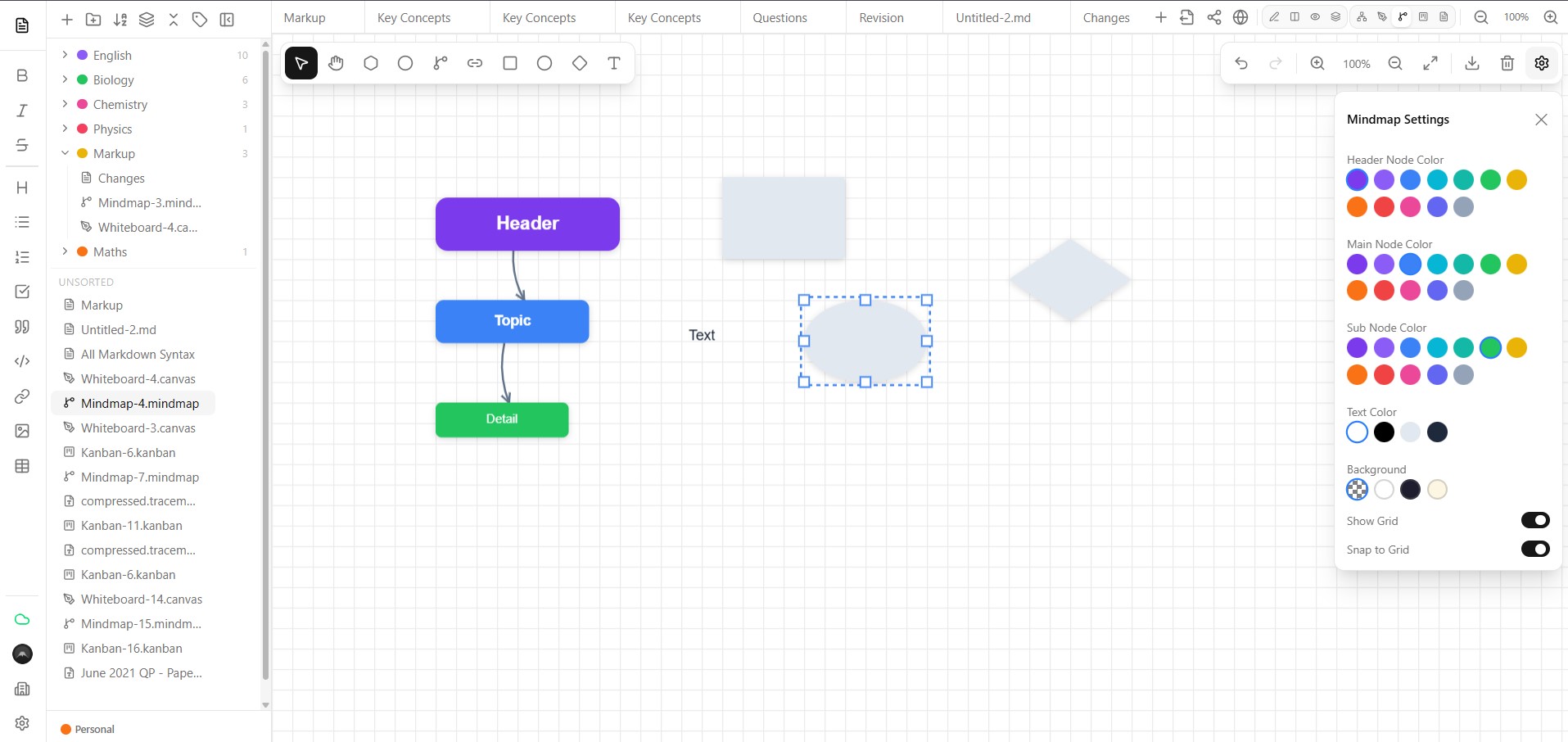
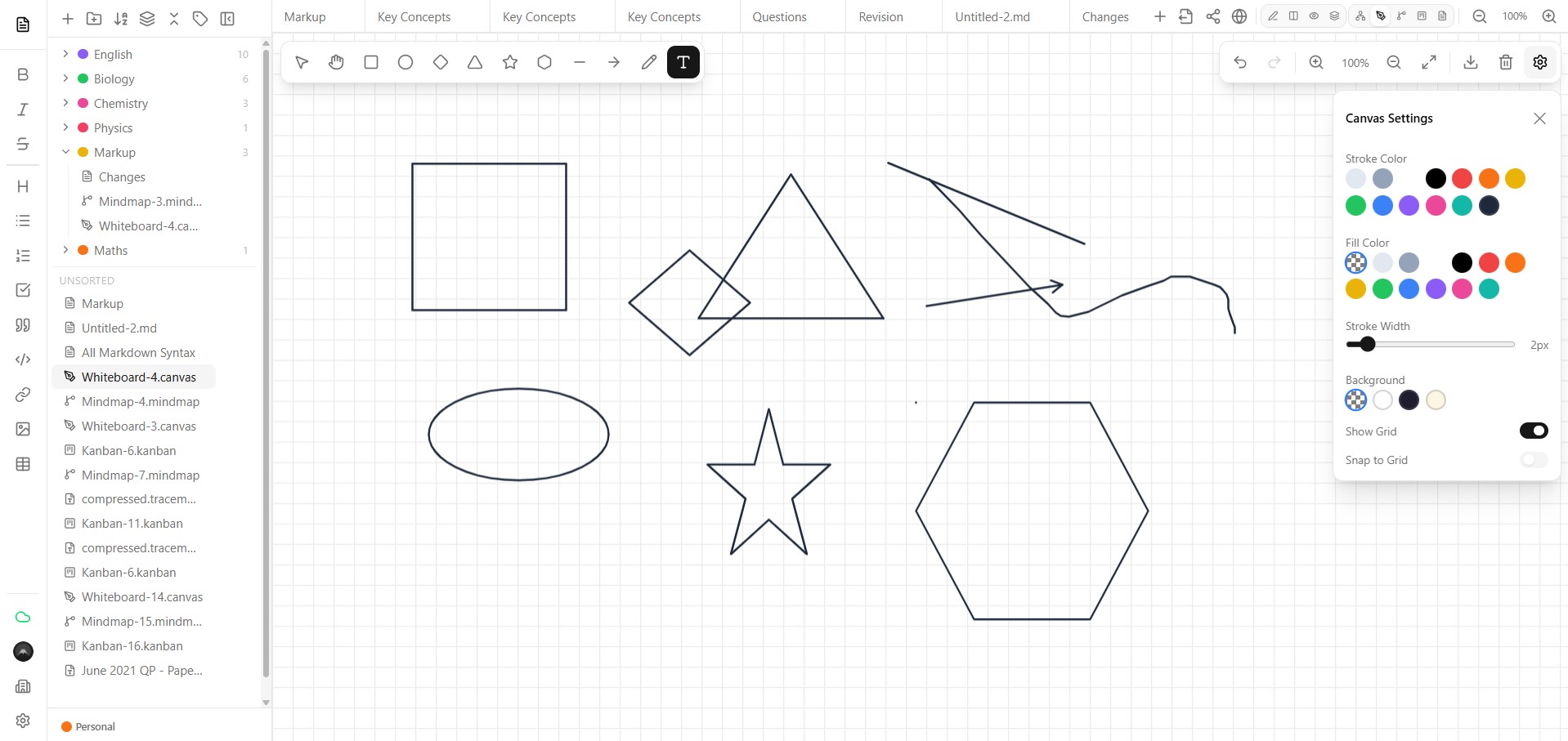
Split editing and preview, folders, tabs and search keep documents manageable. Graph views connect linked notes, while mind maps and whiteboards provide space for ideas that do not fit a text document. Windows and macOS packages are available in the repository’s releases.
Implementation
Markdown editor
CodeMirror provides the editing foundation. Rendered maths and Mermaid diagrams sit alongside the text, while links and a graph view connect notes.
Web & desktop
Tauri adds access to local files. Workspace persistence and synchronisation connect that desktop workflow with the web application.
Storage
The source contains PostgreSQL through Prisma and a Convex sync path. Provider selection defaults to Convex; PostgreSQL is an alternative implementation. Zustand holds the workspace state, with local persistence for offline edits. WorkOS AuthKit handles sign-in for the authenticated workspace.
View provider selection ↗Local & remote data
The difficult part is coordinating data that can come from the local store, cloud queries and a desktop folder. Loading remote state must preserve local documents and open tabs, while applying incoming changes must not immediately trigger another save of the same data.
The Convex sync path distinguishes hydration from edits, defers pushes
while offline and flushes pending changes when connectivity returns.
The desktop integration separately maps local documents to files such
as .md, .canvas and .mindmap,
then periodically reads external changes back into the workspace.
This is a practical sync implementation, with several sources of state to coordinate. I would not describe it as a guarantee that every simultaneous edit can be merged without conflict.
Read the sync implementation ↗What I’m learning
Markup has helped me understand why storage is more than saving the current editor text. Document identity, workspace settings, authentication and the order in which data loads all affect whether the app behaves as expected.
Using an established editor and rendering libraries lets me focus on how those parts work together. Testing the transitions between local, remote and desktop state has been as important as adding another editing feature.
 Dispatch